Sugester is a versatile system, which means it can be used just as effectively in a manufacturing company as in the hospitality industry. The key to success, however, lies in the initial configuration - activating features, views, and names in the system that best reflect the specifics of your industry.
That is why, right from the start of your Sugester implementation, you should take advantage of the customization options the system offers. What is customization? Simply put, it means adapting the product to individual customer needs. An example?
If you work in the hospitality industry, it will be much easier to work with a system that has tabs like "Event Calendar" or "Events This Month" than to use the default module name - "Deals". And that is just a fraction of what is possible.
The good news is that most settings can be done independently, without any developer assistance.
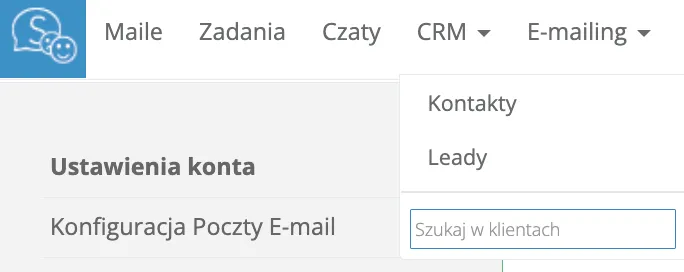
You can rename the active modules in the main menu. This gives you great flexibility in what data you store in the CRM and how you want to manage it. You can easily replace the default "CRM" or "Deals" tabs with "Contacts" and "Leads".

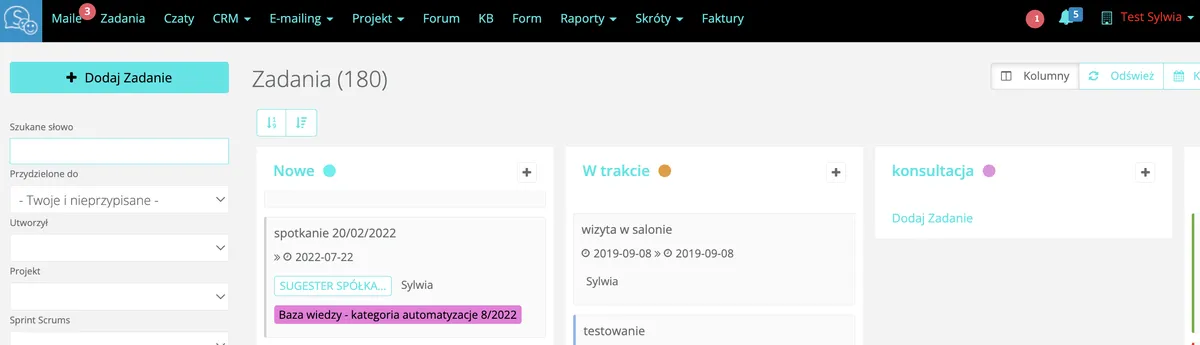
The system allows you to change the visual identity to match your brand. This means you can replace the logotype in the system’s navigation bar and change the color scheme of Sugester. Both actions can be performed independently in the account settings. Rebranding is available from the Max plan onwards.
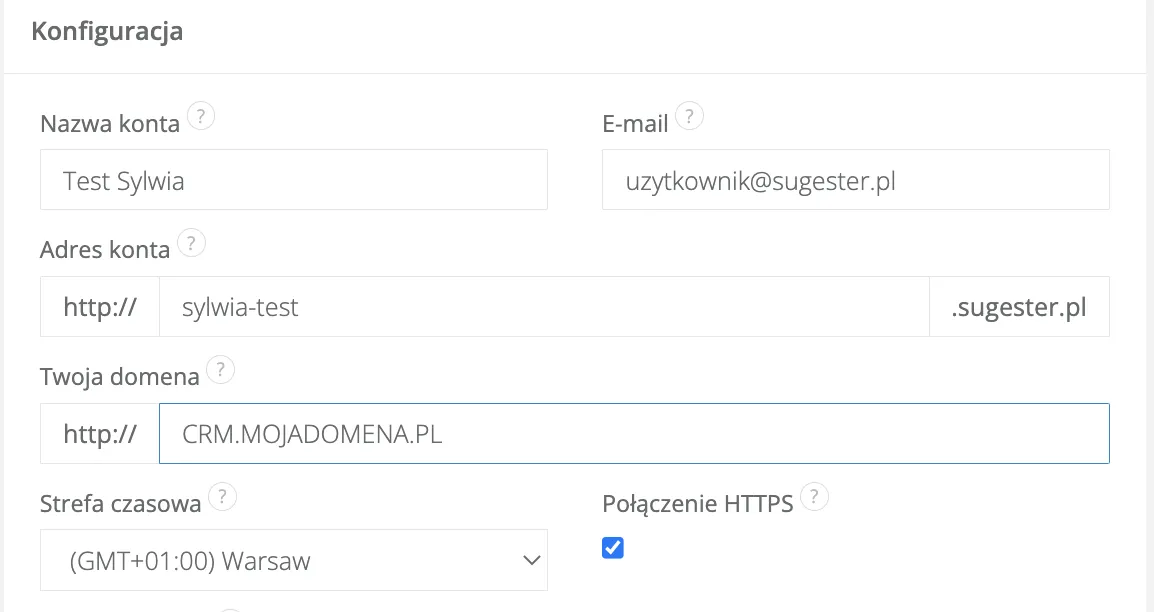
What does this mean? It means visitors and employees can access the application via addresses under your own domain (e.g. helpdesk.yourcompany.com instead of yourcompany.sugester.pl). It is also worth considering a custom SSL certificate for your domain. Your own domain can be used for the application itself, as well as the forum, company knowledge base, and customer portal. This option is available from the Max plan onwards.
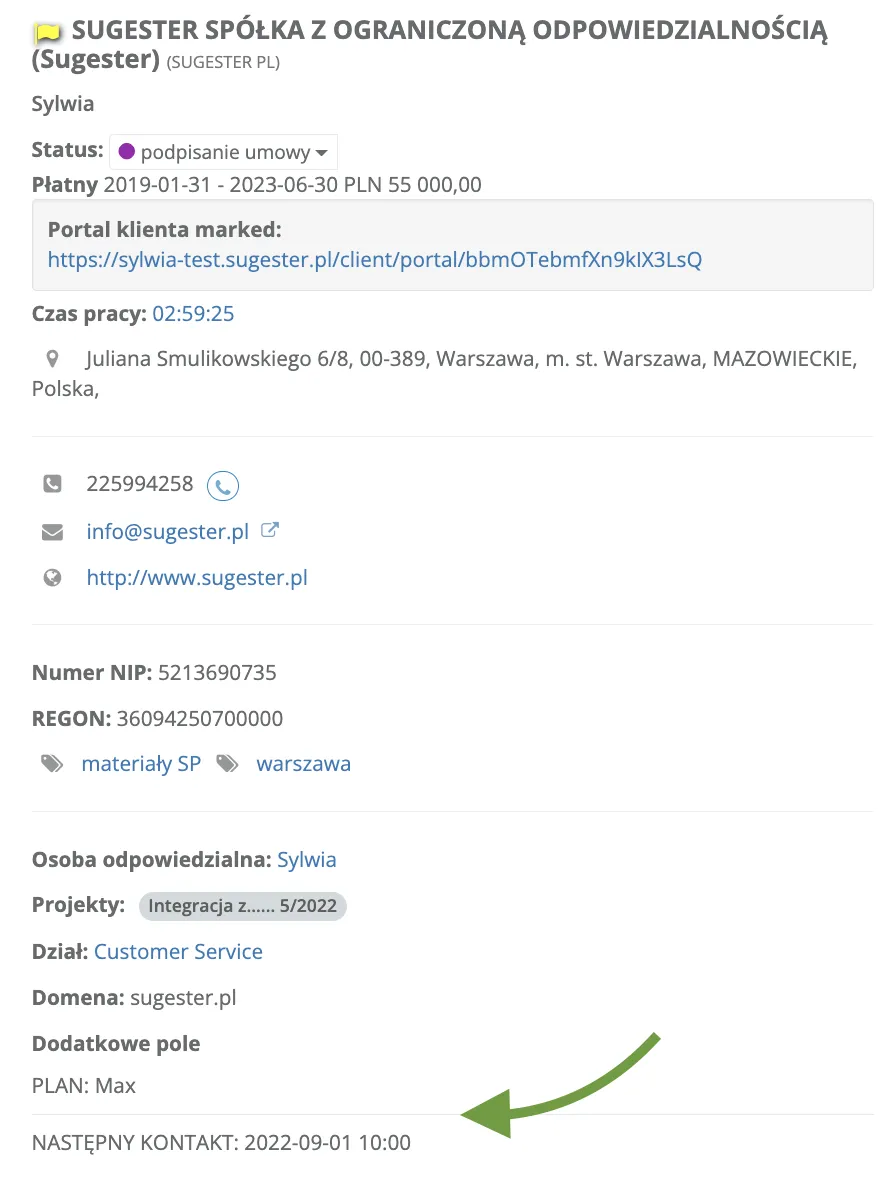
Custom fields provide additional space for storing important information that is personalized and characteristic of your business. Extra fields can be activated on the customer card, contact, task form, project, and deal. A custom field can be used to record, for example, the type of contract you have with a customer, what subscription plan they are on, or when the next scheduled contact is. Custom fields let you track information specific to your type of business or marketing strategy. You can also use them in filters to build a targeted recipient list for an email campaign.
Customized forms in Sugester allow you to adapt the CRM to the way your team works. You can use them to create a technical support form, a newsletter sign-up form, or an anonymous survey to gauge employee satisfaction. You can build your own forms from scratch or modify the templates available in the system. Each form can be embedded on your website, placed inside the application, or distributed by email campaign. Using CSS styles, you can also match the look of the form to your company’s visual identity.

Each system user can customize the information displayed in lists according to their own preferences. Using the "Display options" function, a user can choose which columns to show and in what order. This is very convenient because salespeople and sales managers need to see entirely different data at a glance.
The dashboard is the main page users see when they log in to the system. Sugester allows you to change the default dashboard layout using HTML. Content displayed on the dashboard can be static or dynamic and can depend on the role of the logged-in user. Changes are made in the designated field in account settings. HTML knowledge is required for this.
You can freely modify the appearance of the forum or knowledge base so that it immediately reflects your company’s identity. You can modify the existing code or create an entirely new design for both the full template and individual elements, such as the post view, a single category view, or the sidebar menu. HTML and CSS knowledge is required.
Perhaps some fields available on the customer card are simply not relevant to your industry? If so, you can use the field hiding function via CSS. For example, if you do not use fields like fax, national ID number, website URL, or do not intend to fill in scoring or RSS URL fields, you can safely hide them. At any time, if the need arises, you can bring them back and display them again.
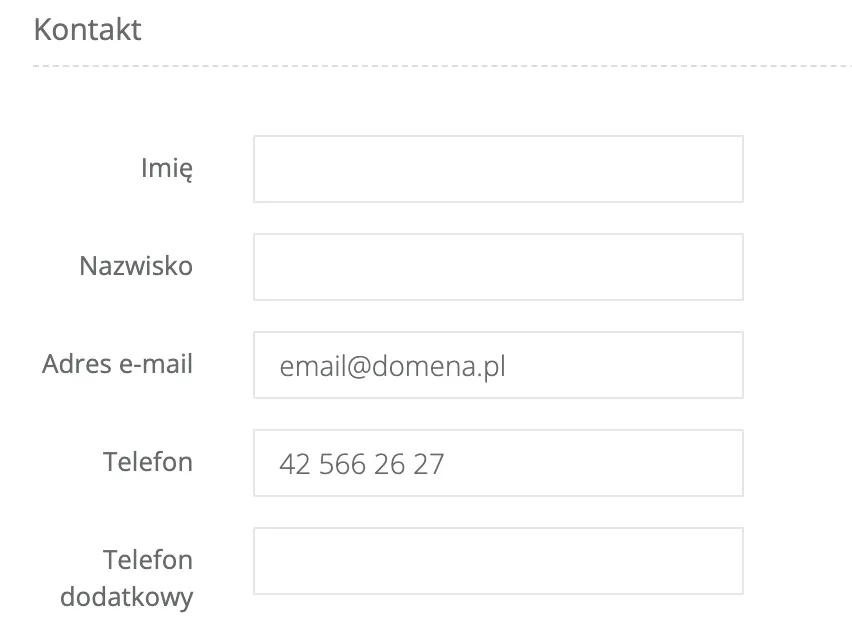
Using Javascript, you can change the order in which fields are displayed anywhere in the system. This way you have control over the layout of individual cards in Sugester. On the contact card, for example, you can move "Position" and "Private phone" to the top, keep "First name", "Last name", and "Email", and hide the rest.
If your team’s comfort requires adding an extra tab to the main menu - such as "Contracts" - or splitting the "CRM" menu into separate "Customers" and "Deals" tabs, you can do this using Javascript as well. You can also change the order in which tabs are displayed and move the ones you use most often to the beginning of the menu.
Using the available configuration options as well as CSS styles, you can customize the look of the chat window. For example, you can change the color of the chat tab, the "Send" button, or resize the message window. All of this is to ensure that the chat embedded on your site matches the visual concept of your company website.
Before you start customizing, think carefully about which changes will benefit your team and which elements are best left unchanged.
It is a good idea to talk to your employees and ask them where in the system they would like to make changes. It is important to base decisions on the input of your team, because Sugester will be an integral part of their daily work - and you are implementing it to make their working lives better.