The vacation season is a unique time for businesses - some companies scale back their activity, others hit their peak, and others treat it like any other time of year.
Regardless, for many companies the vacation season is the holiday period that employees look forward to all year.
Before everyone heads off on their long-awaited vacations, prepare your team for changes in how work is organized during the summer period. If you ensure good information flow, proper coverage, and the right tools, you will avoid situations where a customer did not receive a reply to their email or a deal was not closed due to temporary staff shortages.
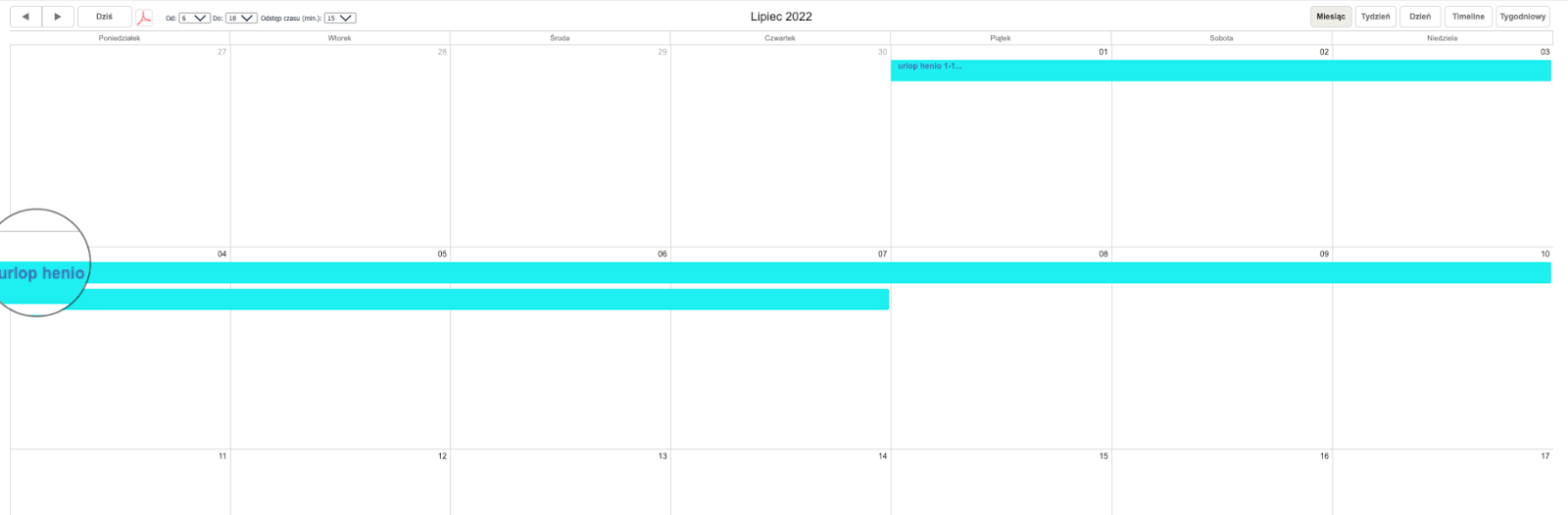
You can use the calendar in Sugester to create a vacation schedule for your employees. Simply create a new department called "Vacations" and give all employees access to it. This way, every team member can check who is on vacation and when. It will greatly simplify planning the division of responsibilities.
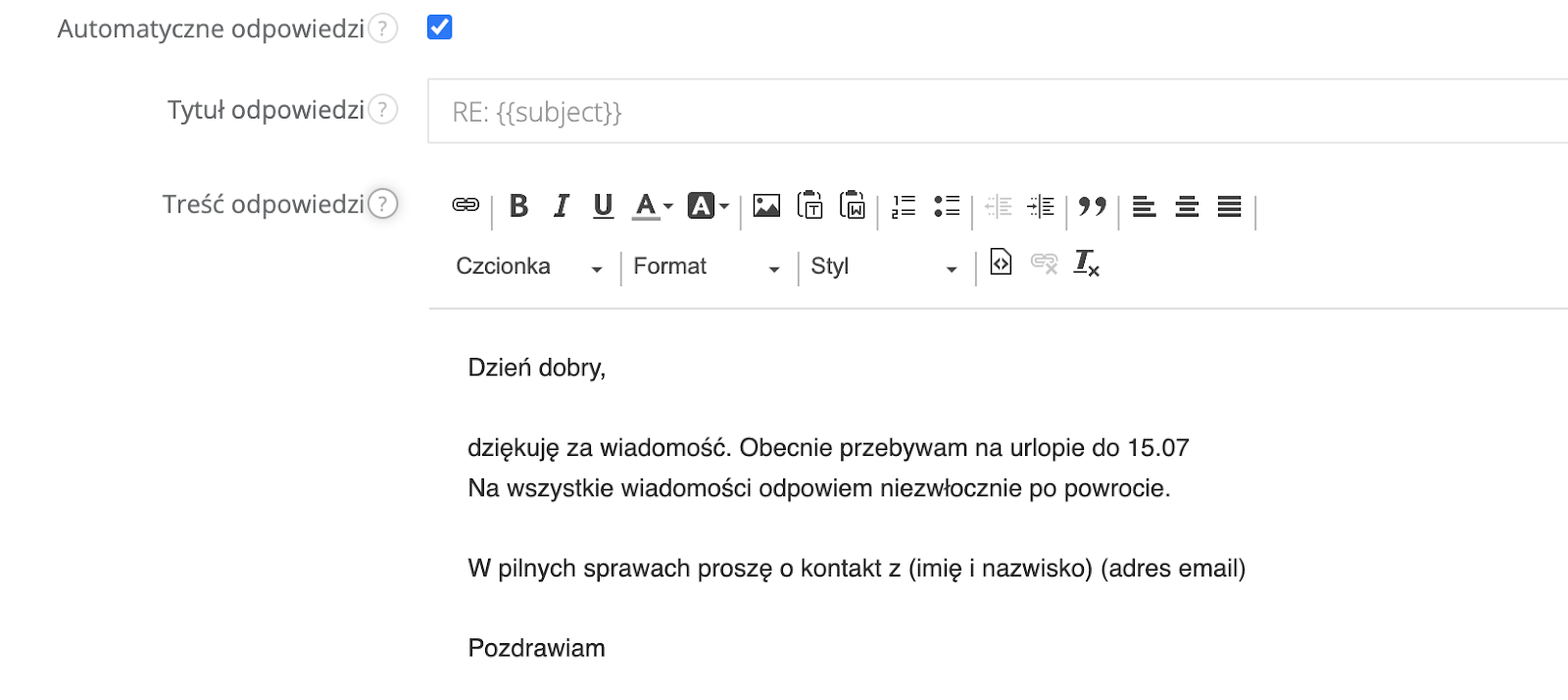
Sugester has an autoresponder feature - an automatic email reply that works perfectly during vacation.
The autoresponder not only lets you inform customers of your absence, but also positively impacts the continuation of correspondence after your return from vacation. There is nothing worse than a backlog of unanswered emails from frustrated customers.
When preparing for vacation, it is worth tidying up your inbox so that you do not spend the entire day reading and sorting emails upon your return.
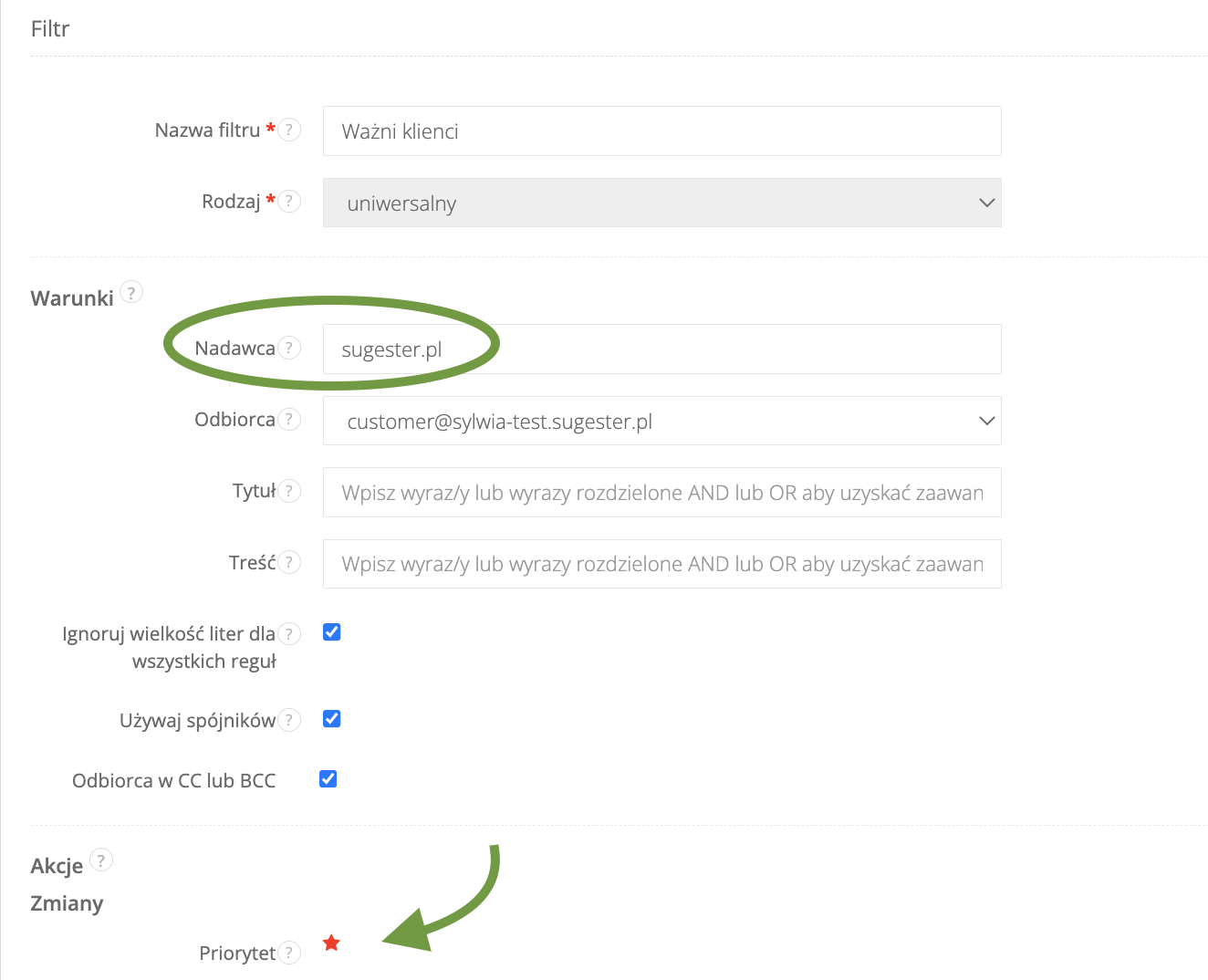
You can add a few new filters and folders to organize your correspondence. When you get back, it will be much easier to navigate.
This way, when you return, you will not have to search for important correspondence buried in a pile of emails. And if a colleague is covering for you, they will know which clients to contact first.
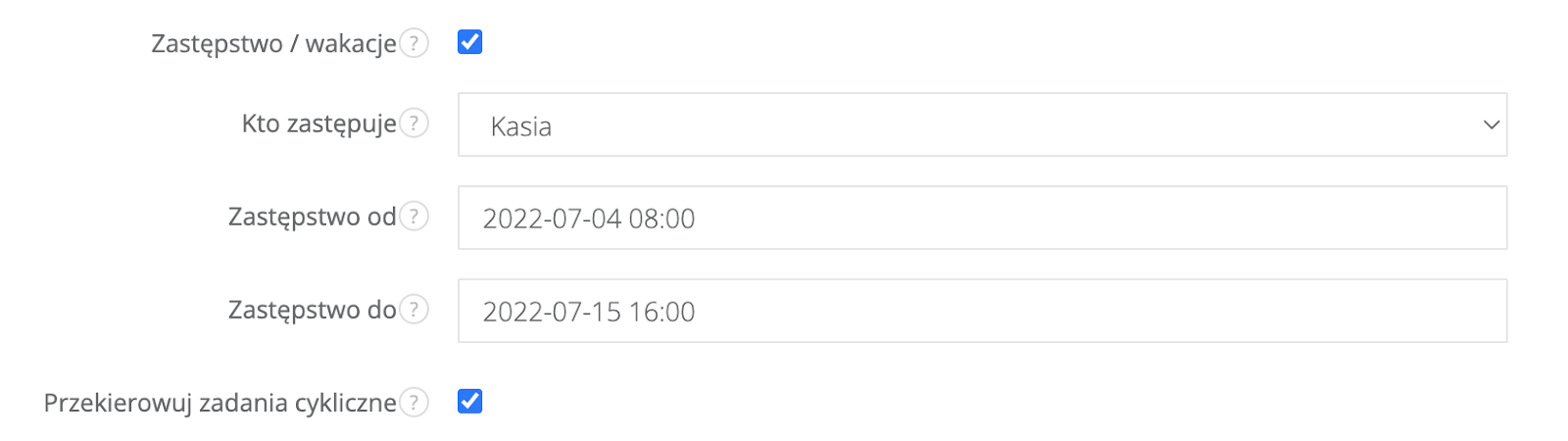
Each Sugester user can mark their period of absence from the company using the "vacation" feature available in their user profile. Simply select a date range and the system will automatically redirect all correspondence and recurring tasks to the "unassigned" folder or to a specific employee who will be covering for the absent team member during that time.
Once this option is activated, the user who is on vacation is marked in the system with a "palm tree" icon. This lets the entire team know that during this period, they should not assign new tasks or forward customer inquiries to that user.
Vacation season does not have to be an organizational challenge for your company or affect the quality of your service. Good planning, well-organized coverage, and a few additional features activated in Sugester are all it takes to ensure that the holiday period is not a burden - neither for your customers nor for the colleagues who stay behind and take on their peers' responsibilities.
Discover what Sugester can do for your business