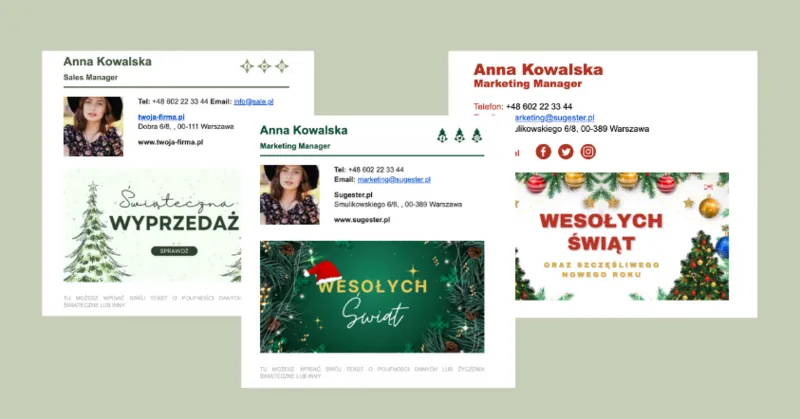
The holidays are getting closer. In a moment, everyone will be swept up in festive preparations. We have also caught the holiday spirit, so we prepared a few ideas for Christmas email footers.
For everyone who celebrates Christmas, it is a truly special time. Why not add a touch of magic to your business correspondence? A few festive elements are enough to send a positive energy to your clients. Let the magic of the holidays carry you away.
Check out our proposals for Christmas email footers.
Think it sounds difficult and time-consuming? Not at all - we have prepared ready-made HTML codes. Simply download them, paste them into your account configuration, and enjoy the unique festive atmosphere.
Last year we had 6 templates for you, this year we have 6 brand new ones. You have plenty to choose from.
The simplest and at the same time most effective way to spice up your email footer is to add a Christmas banner. You can also change the font color in the footer content and the result will be impressive. The footers are in HTML format, so you can easily edit them and add something personal.

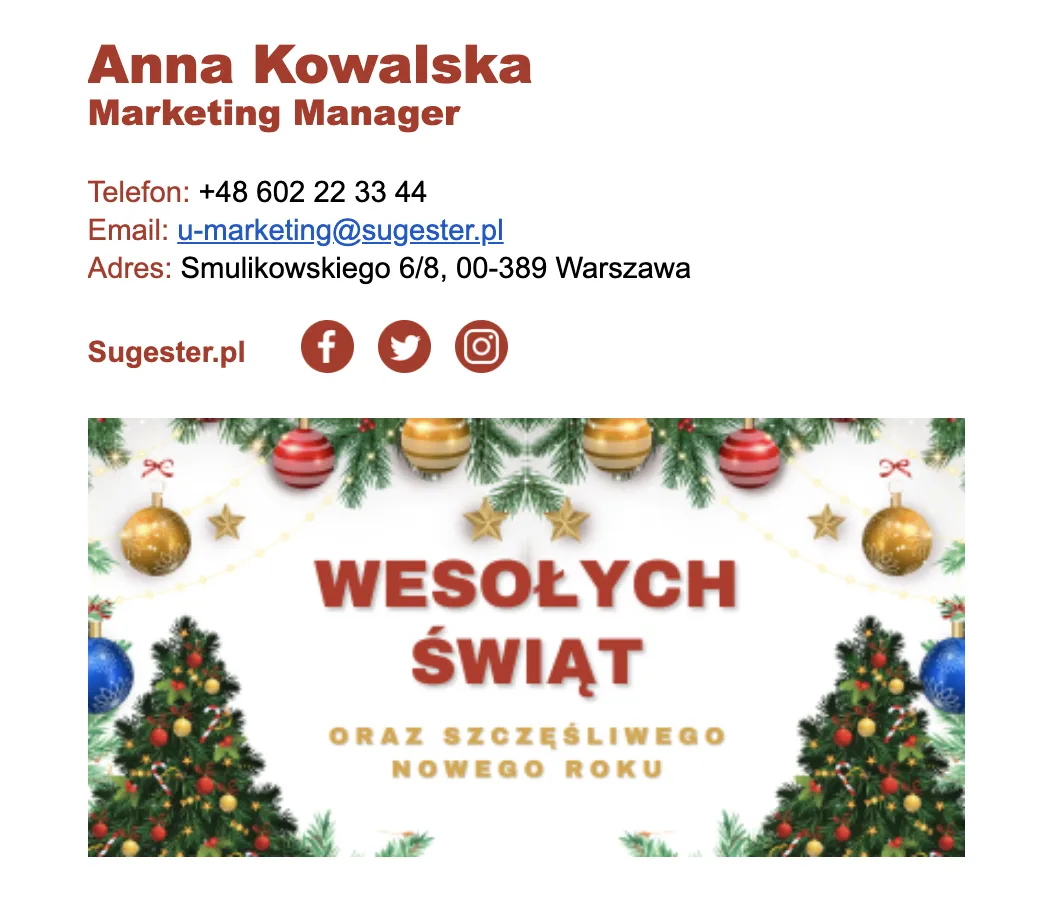
Sometimes the simplest solutions are the best. If you want your footer to be different from usual and evoke the holiday spirit, you can simply introduce some color. Red and green are inevitably associated with Christmas. Add them to your footer and create a festive mood in your emails. And if you feel like it, you can always add a matching Christmas banner.
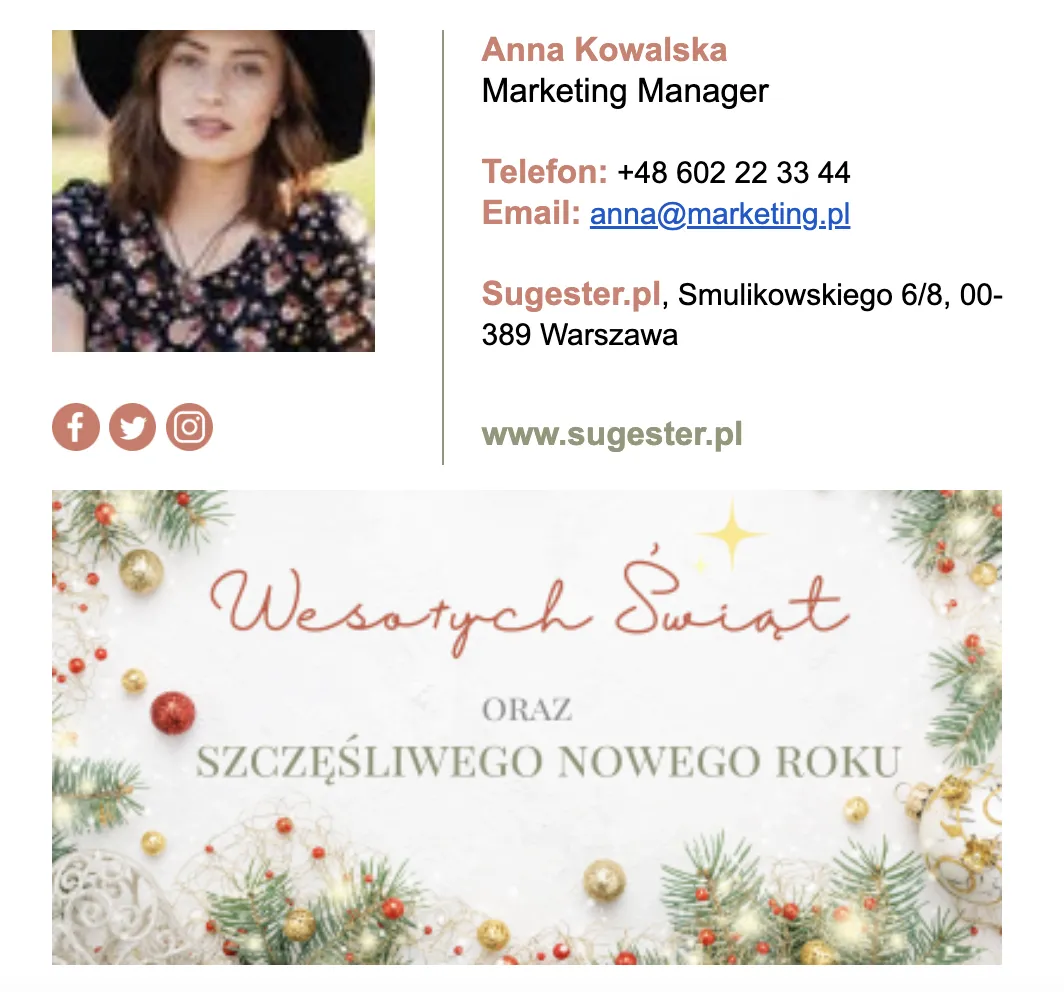
Want to send your clients holiday greetings but don't necessarily have time to prepare a full holiday mailing? Add a brief greeting to your email footer. Just two lines are enough to make your clients feel special. You can write traditional greetings or something more fun, for example "May these holidays be joyful, peaceful and as far from the office as possible".
If nothing comes to mind, try finding inspiration here.
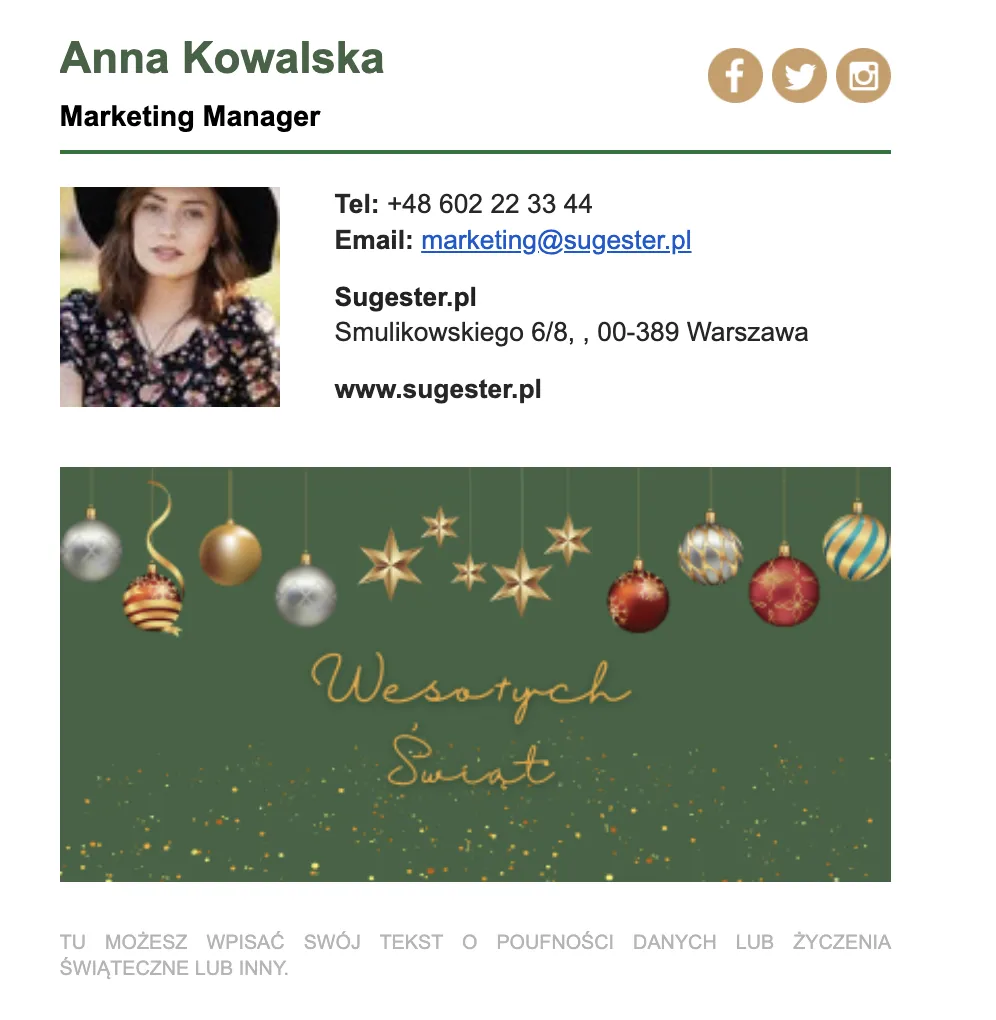
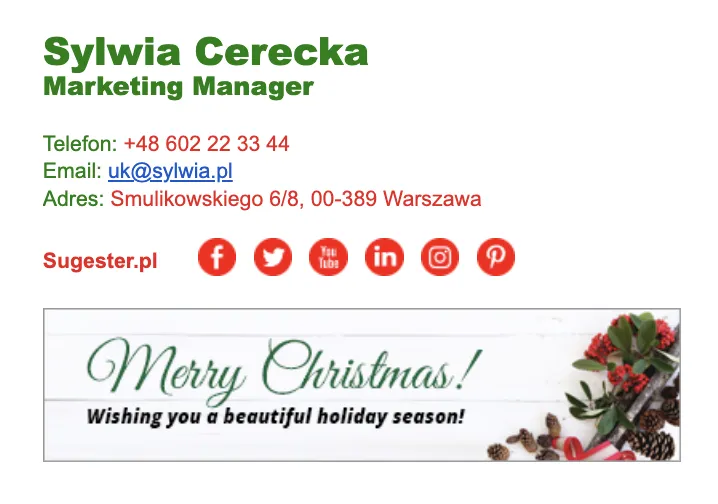
Think about what the holiday season will look like for your company. Are you planning any promotional activities? Launching a new offer? Introducing new services or changing business hours? If so, let your clients know. Add a holiday banner to your footer with information about an upcoming sale, which when clicked will take the client to a promotional offer page. Below you can note what hours you will be available during the holiday period.
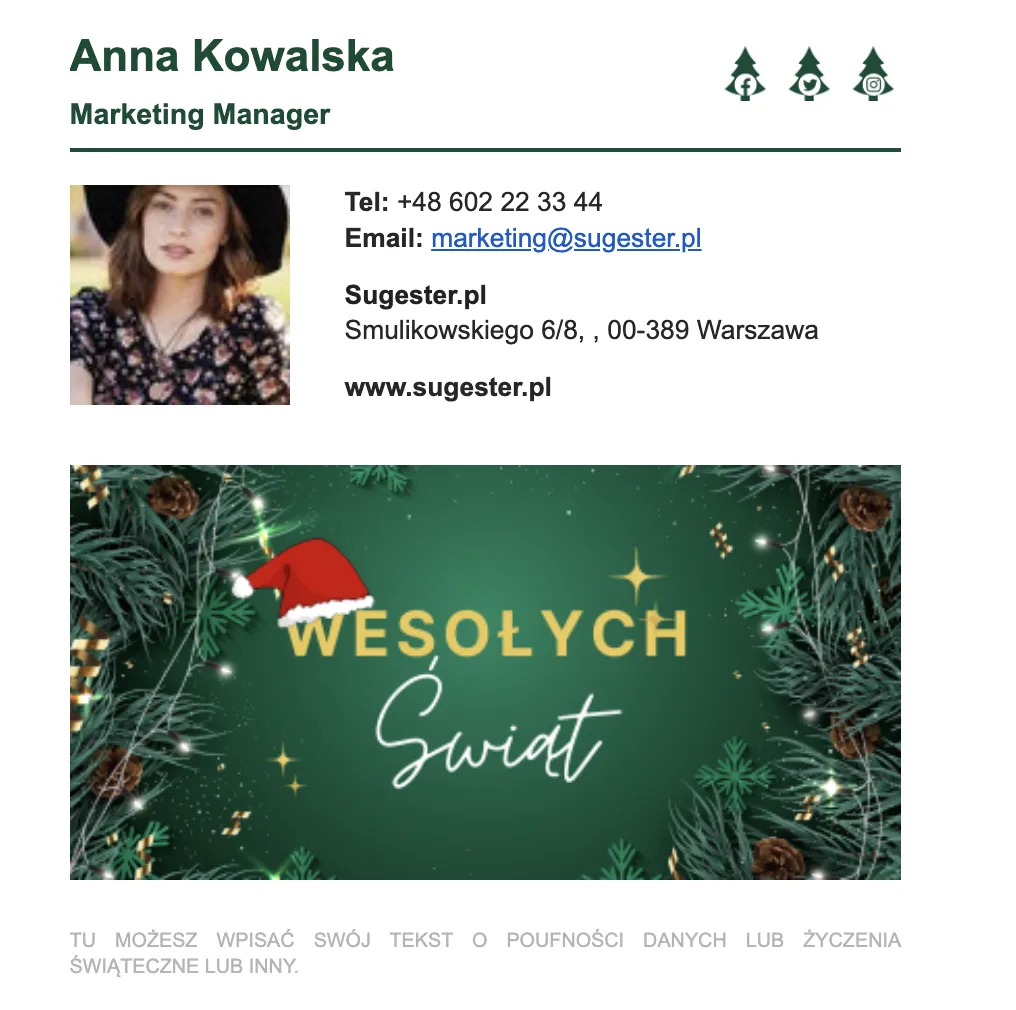
Your colleagues, work friends and clients are people you spend a lot of time with every day. Use your business correspondence to thank them for their dedication and wish them wonderful holidays during this special time.
PS
As you can see, designing a Christmas email footer is not that complicated after all. For the future - remember that on other special occasions such as Easter, Black Week, the arrival of spring, Halloween or when your company wins an award, it is enough to change the banner to give your emails "that certain something".
You can design a banner easily at canva.com. And if you need ready-made solutions, check out www.mail-signatures.com
This article was first published on December 2, 2022.